
One of the first projects I had at Noggin was developing the UI for the Requestor app.
Requestor was Noggin’s mobile Emergency Response tool that synchronizes workflows between on-site teams and crisis management centers. It’s design and features were later rolled into Noggin’s premier B2B software OCA 2.0.
Noggin’s CEO was adamant at taking the long list of OCA 1.0 features that customers had requested over the years and rolling it into a mobile-first version of OCA.
I was tasked with working alongside developers with spec briefs to determine the most optimized approach to UI solutions that had been explored in OCA 1.0. I further developed these wireframes into suitable candidates for development with approval from the head of development.
Producing Educational Content for On-loading Customers
I was also tasked with creating all the tutorial content of the UI along with the dev team, so that OCA 1.0 users could integrate to the workflows more naturally. We produced two dozen videos to achieve this, and demo’d these productions to several key clients such as Maersk and Auckland Airport.
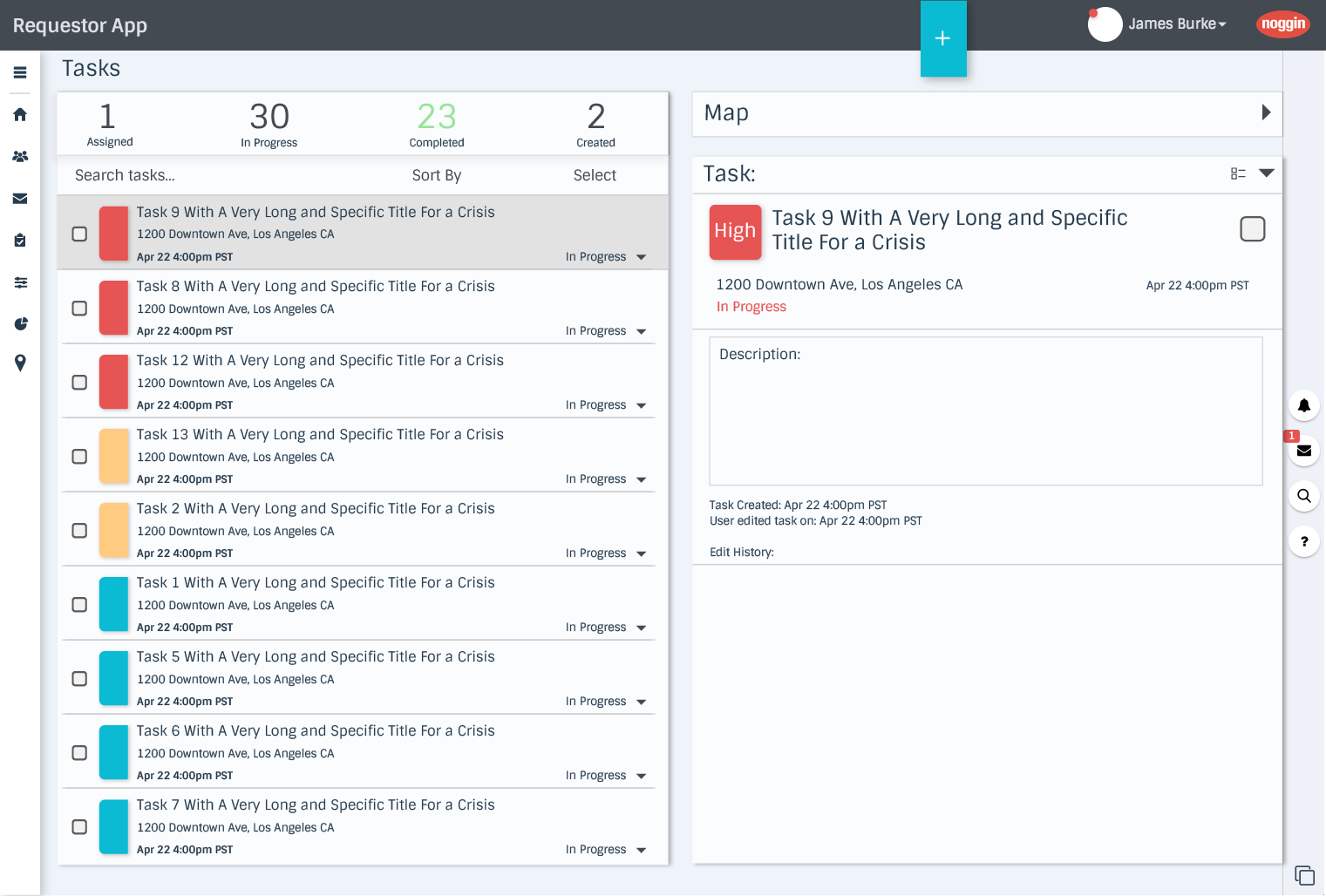
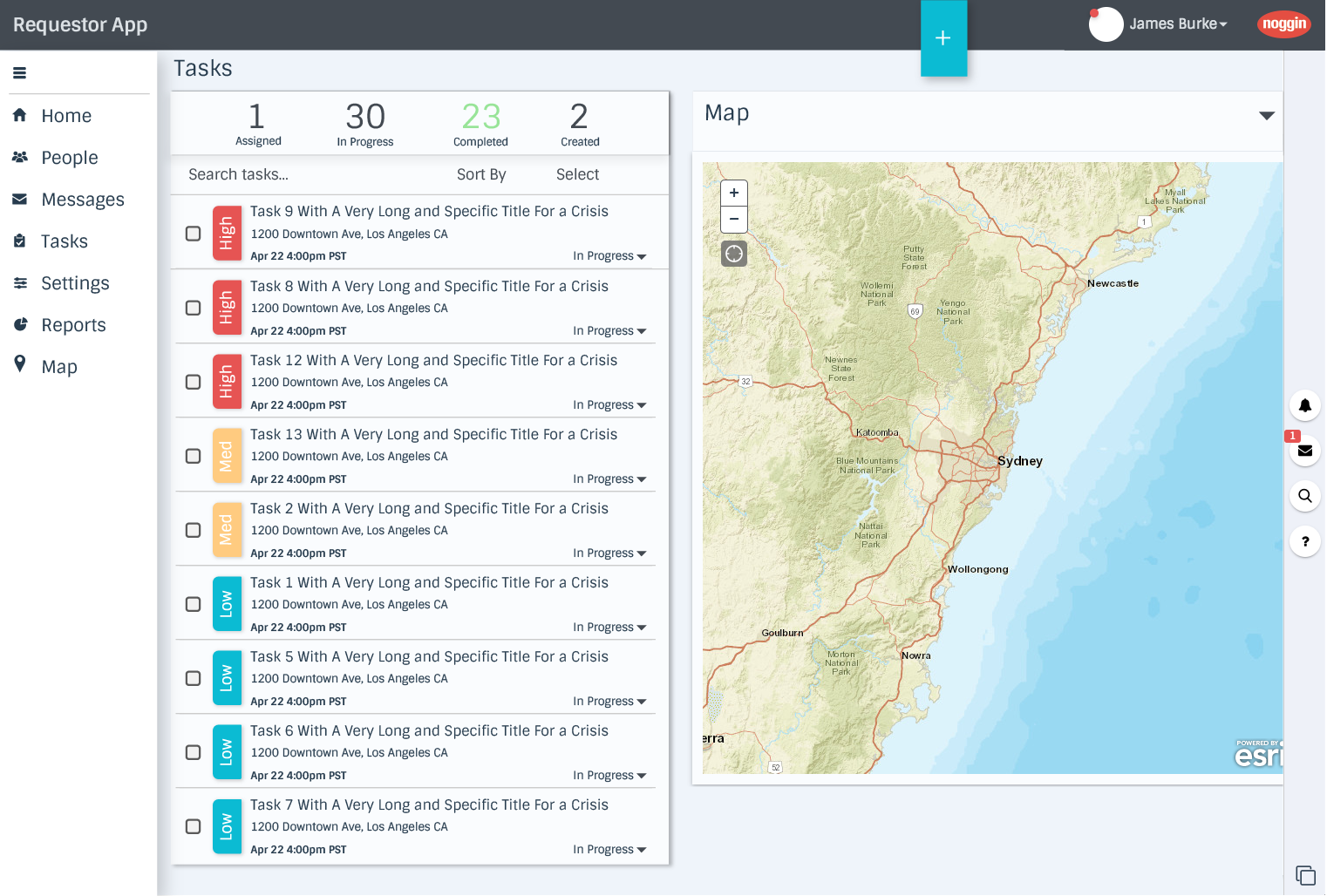
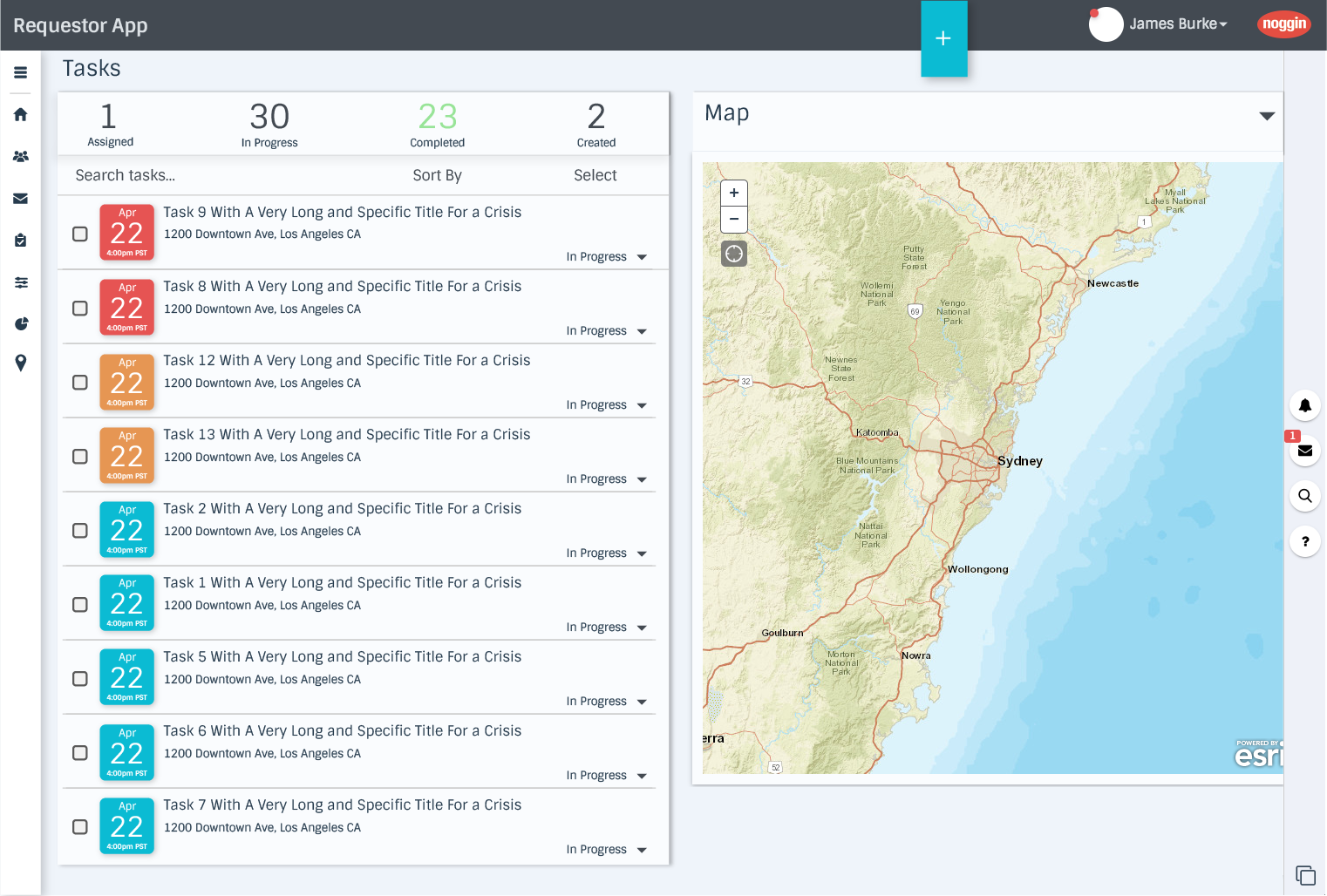
I had to align both interfaces seamlessly between desktop and mobile, so teams had easier on-boarding to the powerful software.
Alongside wireframing for the desktop UI for Requestor, I had begun work on the mobile variant. We utilized reports from on-field feedback and users from OCA 1.0 and I worked with the development team with visual guidelines and various dispatch requirements that the app needed to have.
This part of the process was the most challenging due to the increased number of new features the dev team was tasked with adding from the leadership. Often certain backend specs would change, forcing updates to the UI that kept us on our feet for the 8 months of development and revision work.
Leadership team realized the added scope to the project, and despite accomplishing our metrics ahead of schedule decided to merge Requestor within the new OCA 2.0 framework, both to give the developers more time to complete the growing list of specs needed, and to allow more beta testing with the list of clients who wanted to get first-glance at the new product.
This learning experience really showcased my adaptability to new specs and various SCRUM challenges. I had immediate on-hands experience with the agile process, and finding ways to take waterfall approaches that are part of visual design and better integrate them with the fast-paced world of crisis management.
Tutorials for Requestor were still made as they’d function with OCA 2.0 as well
Once C-level decided to integrate Requestor into OCA 2.0 we were then tasked with producing all the tutorials and educational materials that could then be sent to existing customers.
I worked directly with the dev team and marketing to produce the videos, animating and editing the library so that each new addition could be forwarded to marketing to relay to clients that wanted to get up to speed the quickest.
Clients were really pleased with our hand-on approach, and how focused we were on ensuring that their needs were met.
During the process about 25 videos were made for this library. An additional set of tutorials were also added when Noggin OCA 2.0 was launched.
Within a few months at Noggin, I was working with developers to create the entire Requestor app experience, from on-boarding to workflows.
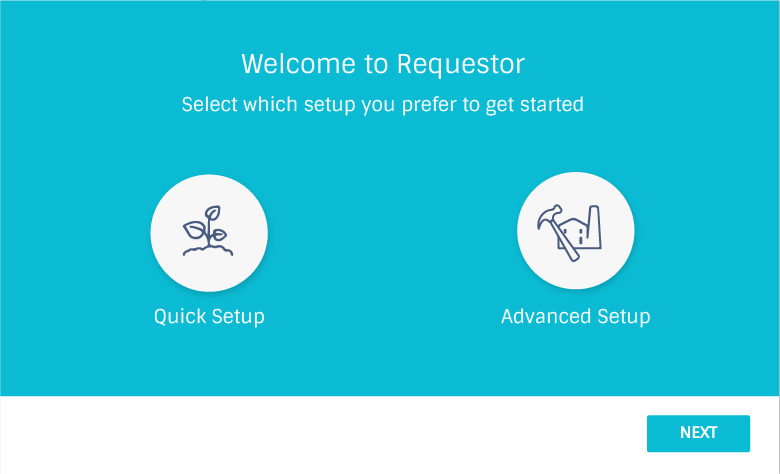
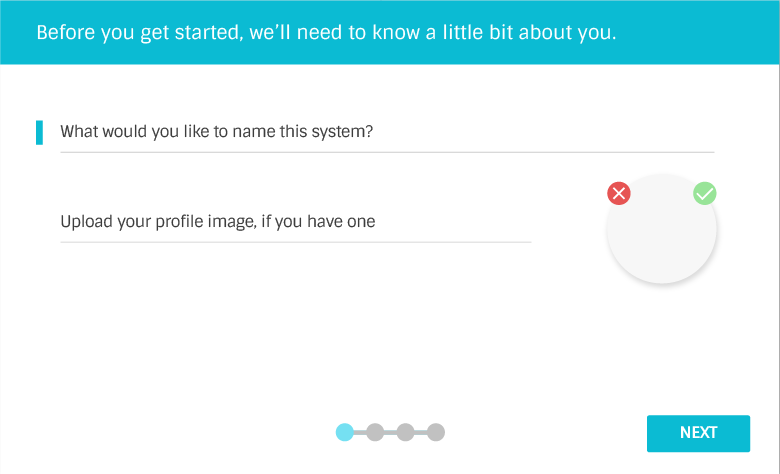
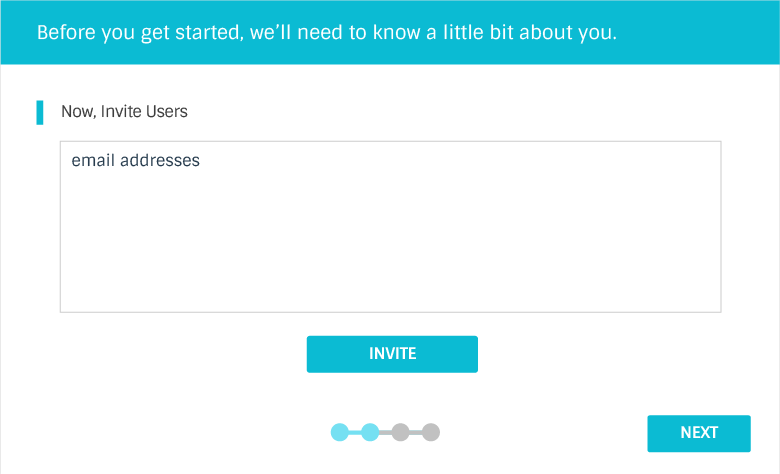
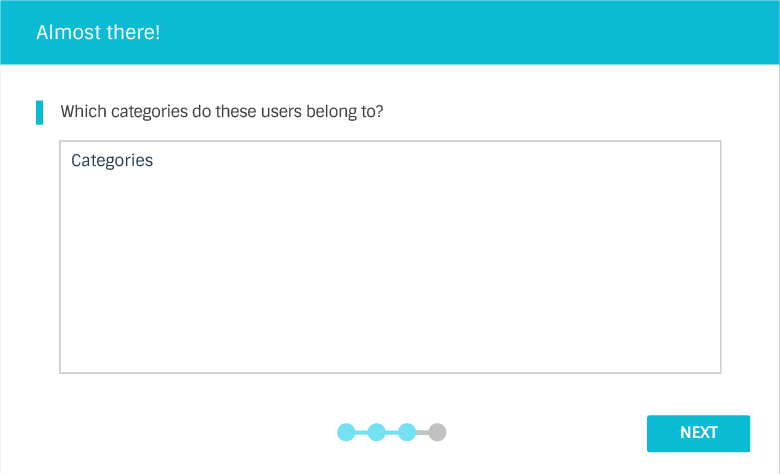
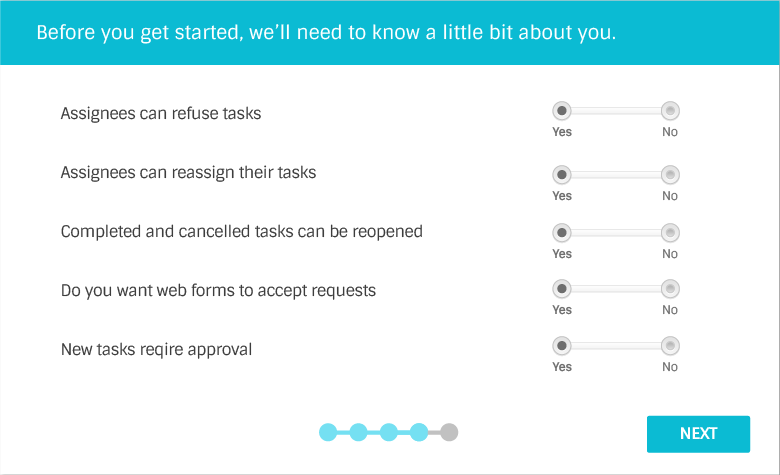
One of the earliest parts of the dev process was creating the login process for Requestor, that seamlessly blended in with the existing OCA 1.0 databases. After several meetings with the dev team, I was able to build wireframe mockups and workflow diagrams that guided the user along the process.
This project was a surprisingly quick one. Even though it was one of the first projects I did for Requestor, the spec and requirements were clear cut, and this gave me a great opportunity to form a strong rapport with the dev team. Even years later the developer head remarked at how fast I was to adapt to their project pace and requirements.
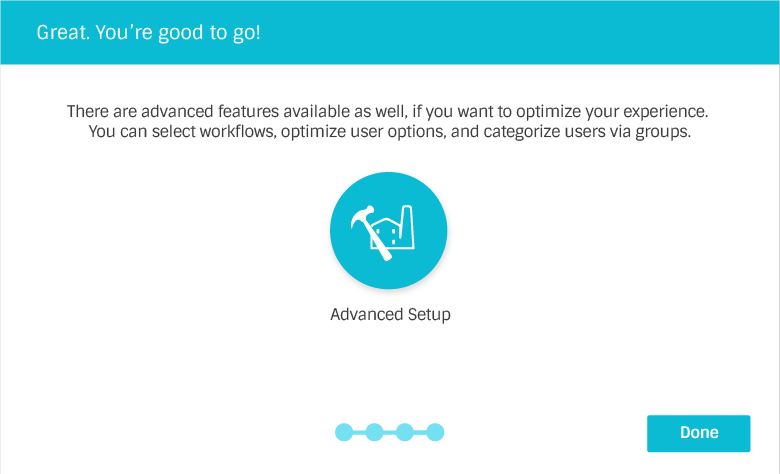
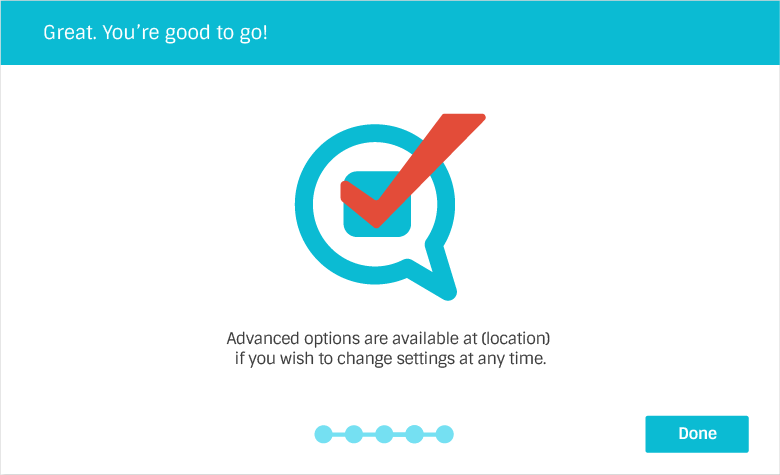
Noggin OCA 2.0 is the backbone of Noggin’s enterprise crisis management software
Noggin 2.0 was the largest project I worked on aside from the brand refresh at Noggin. It was hoped that version 2 of this software would have easier on boarding process, as the marketing team noted the various log jams that occured with getting new customers integrated. Each and every customer for Noggin was enterprise-level, and thus every spec and requirement Noggin implemented was bespoke to the very specific needs of each client. This process often took months, and marketing wanted a way to reduce that on-boarding to a quarter of that time.
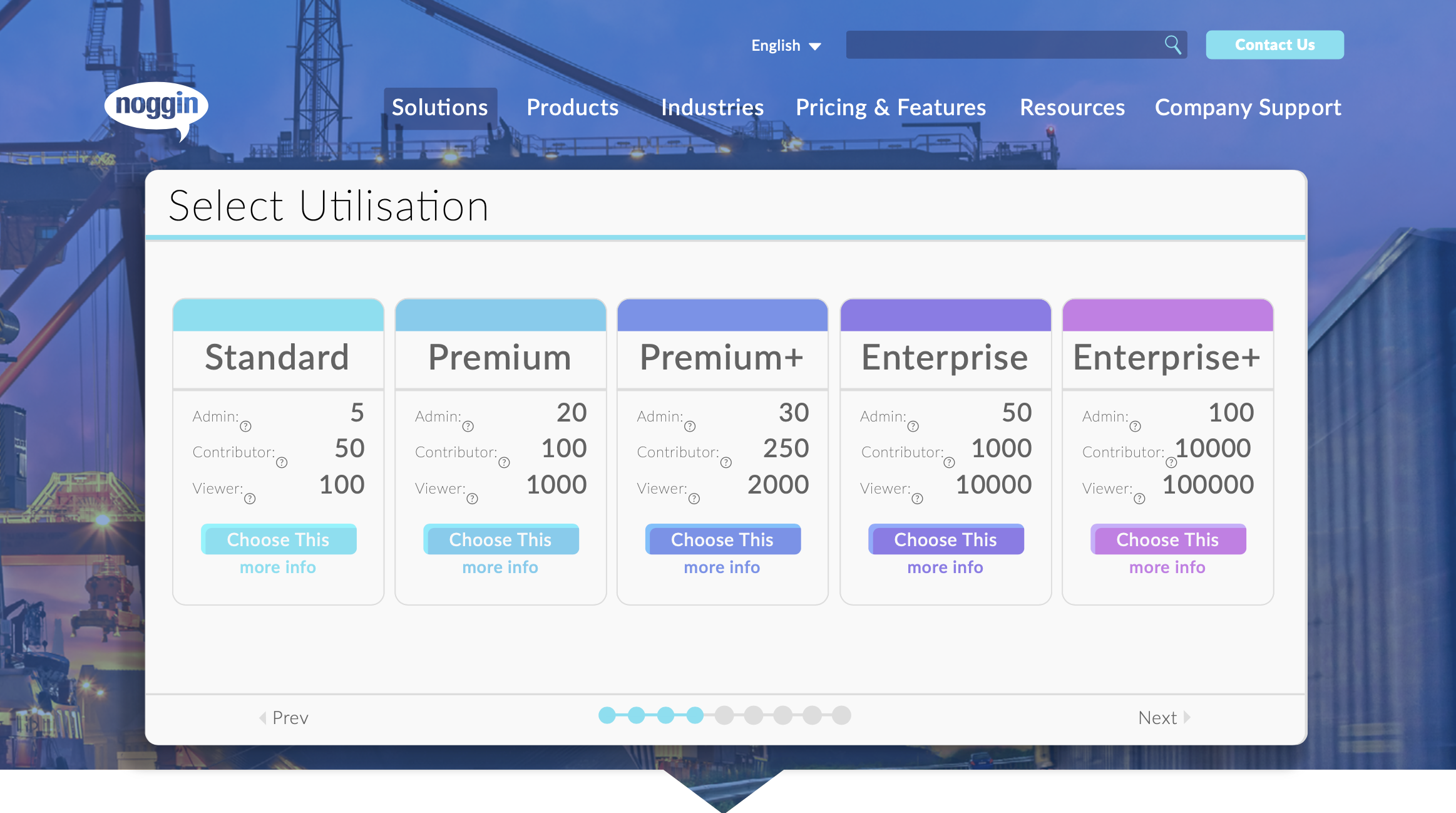
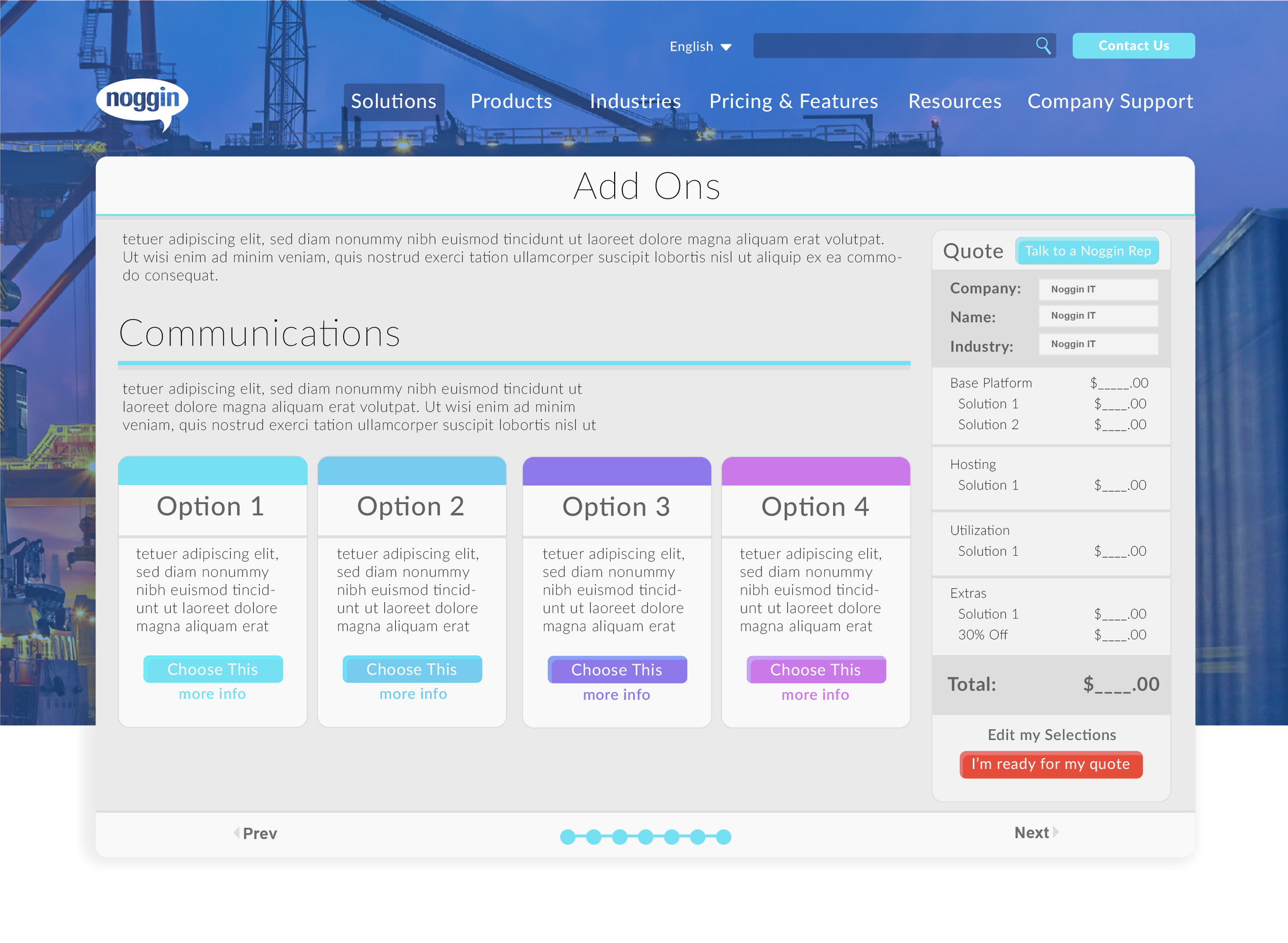
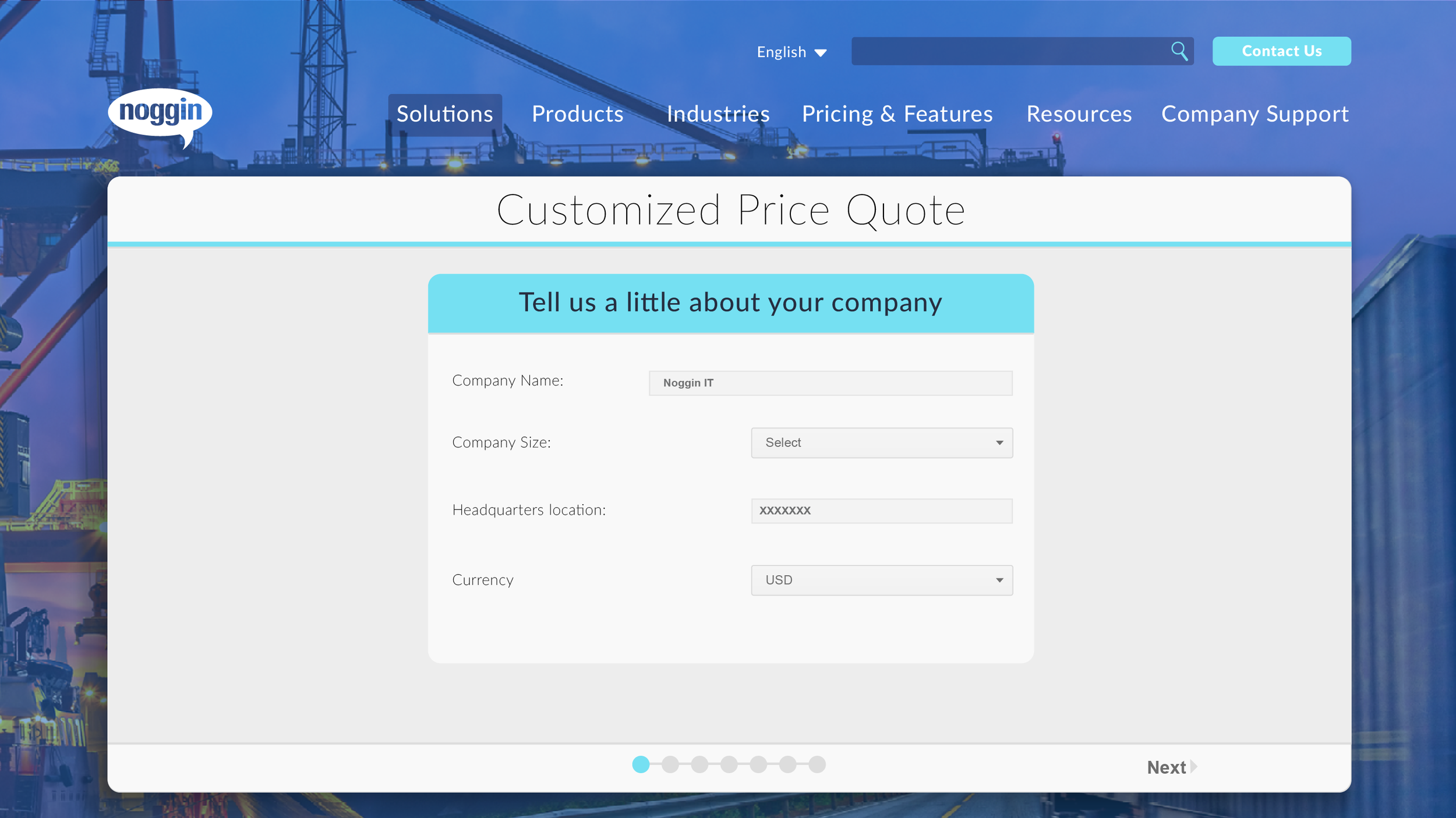
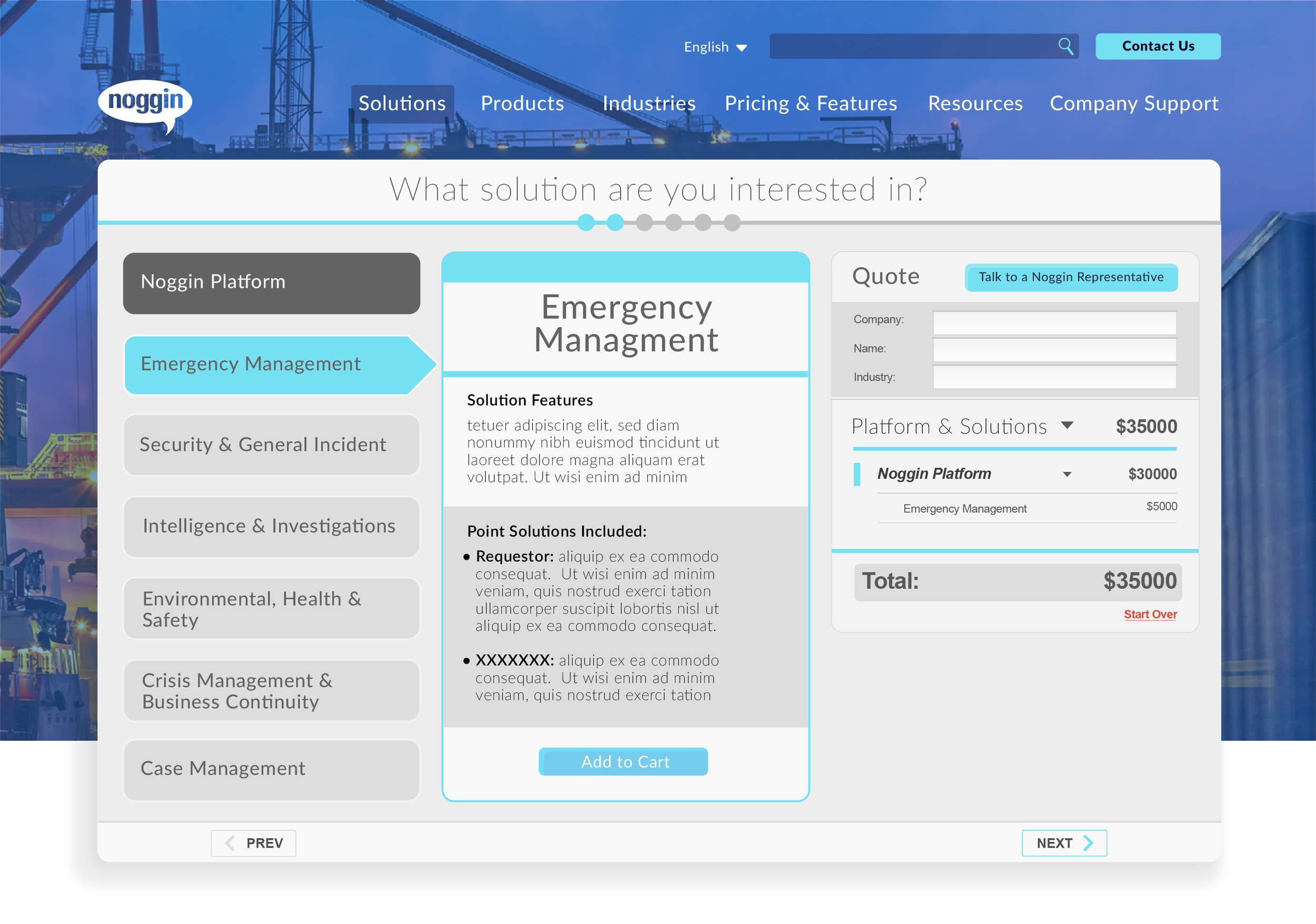
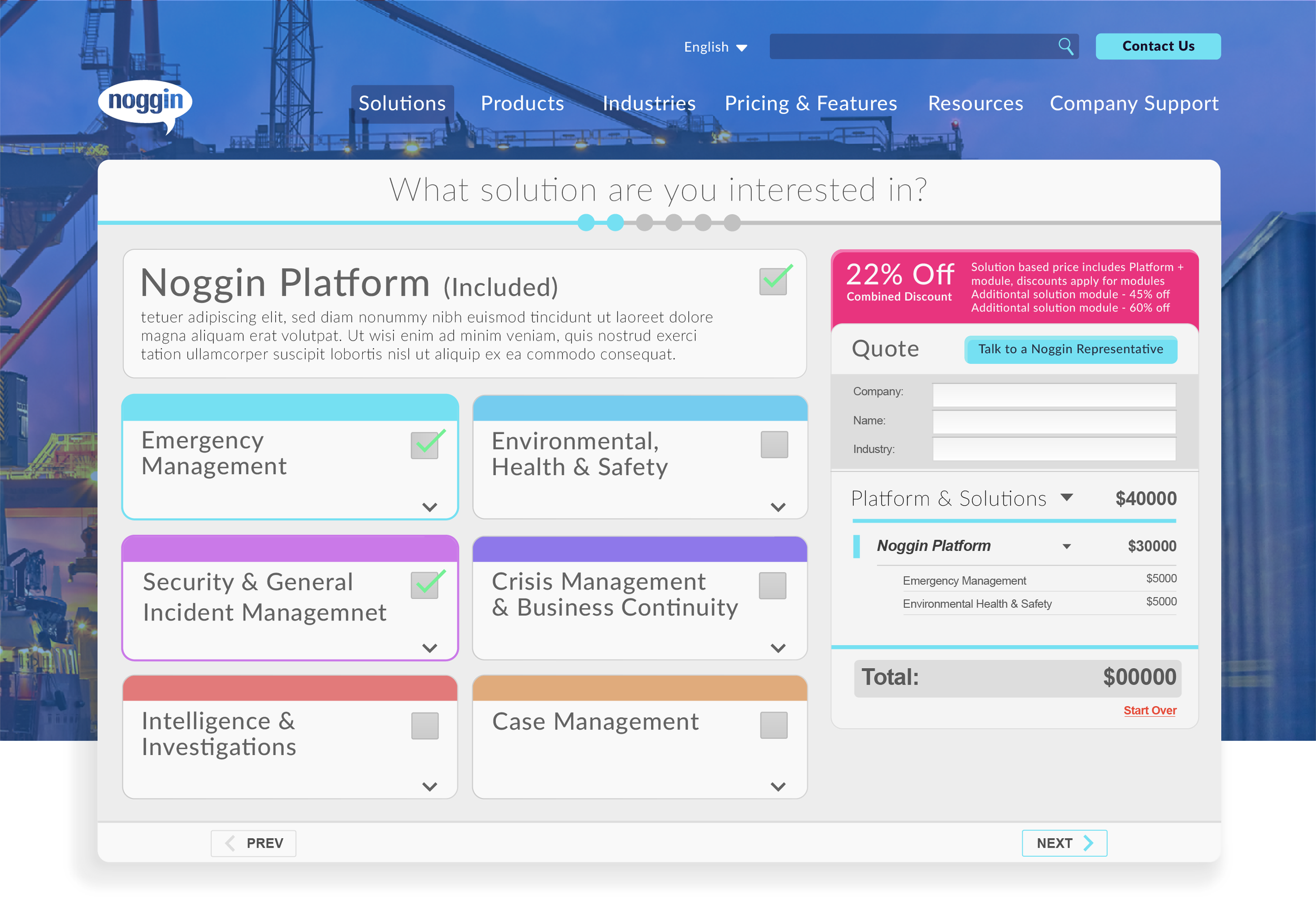
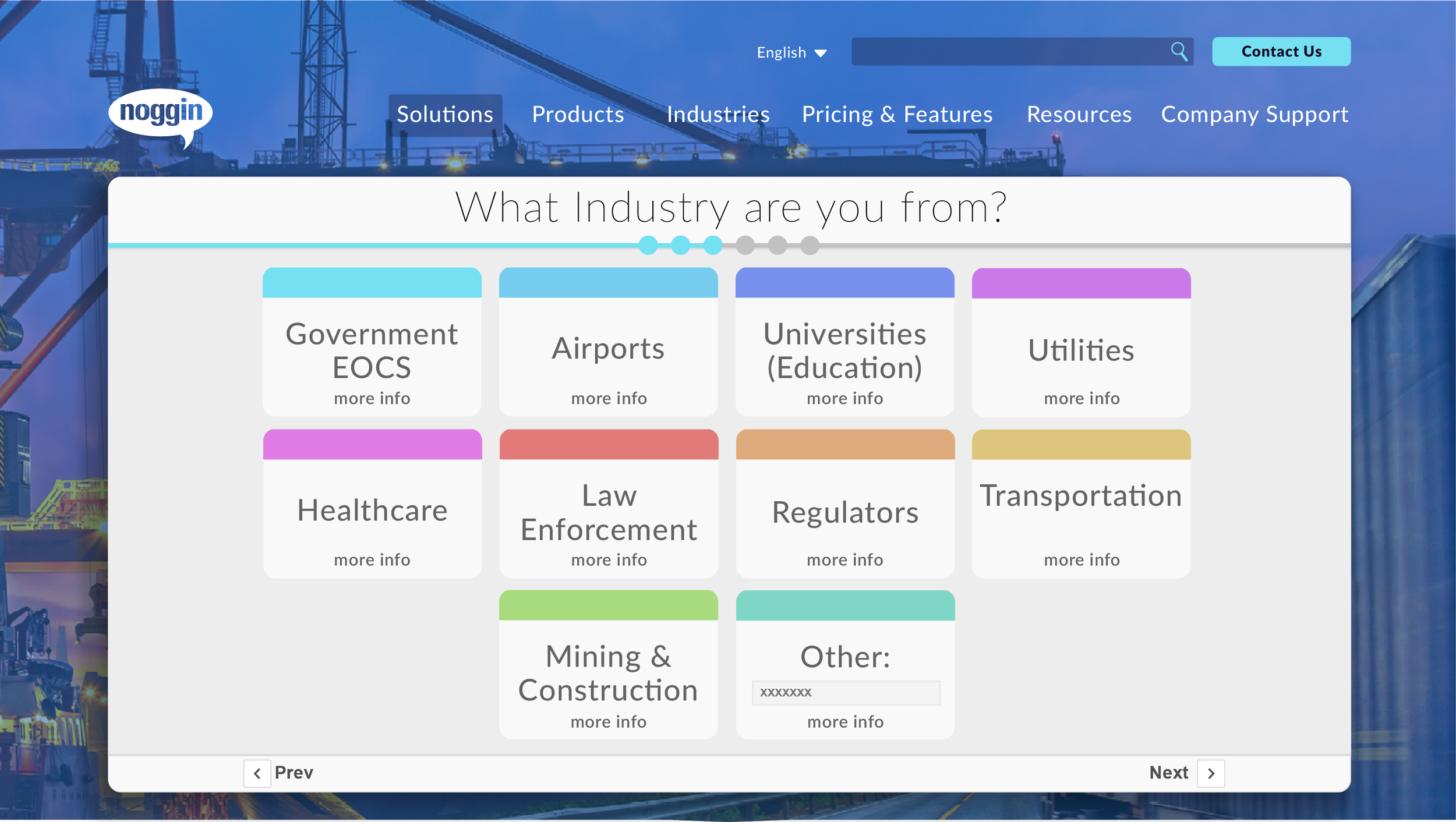
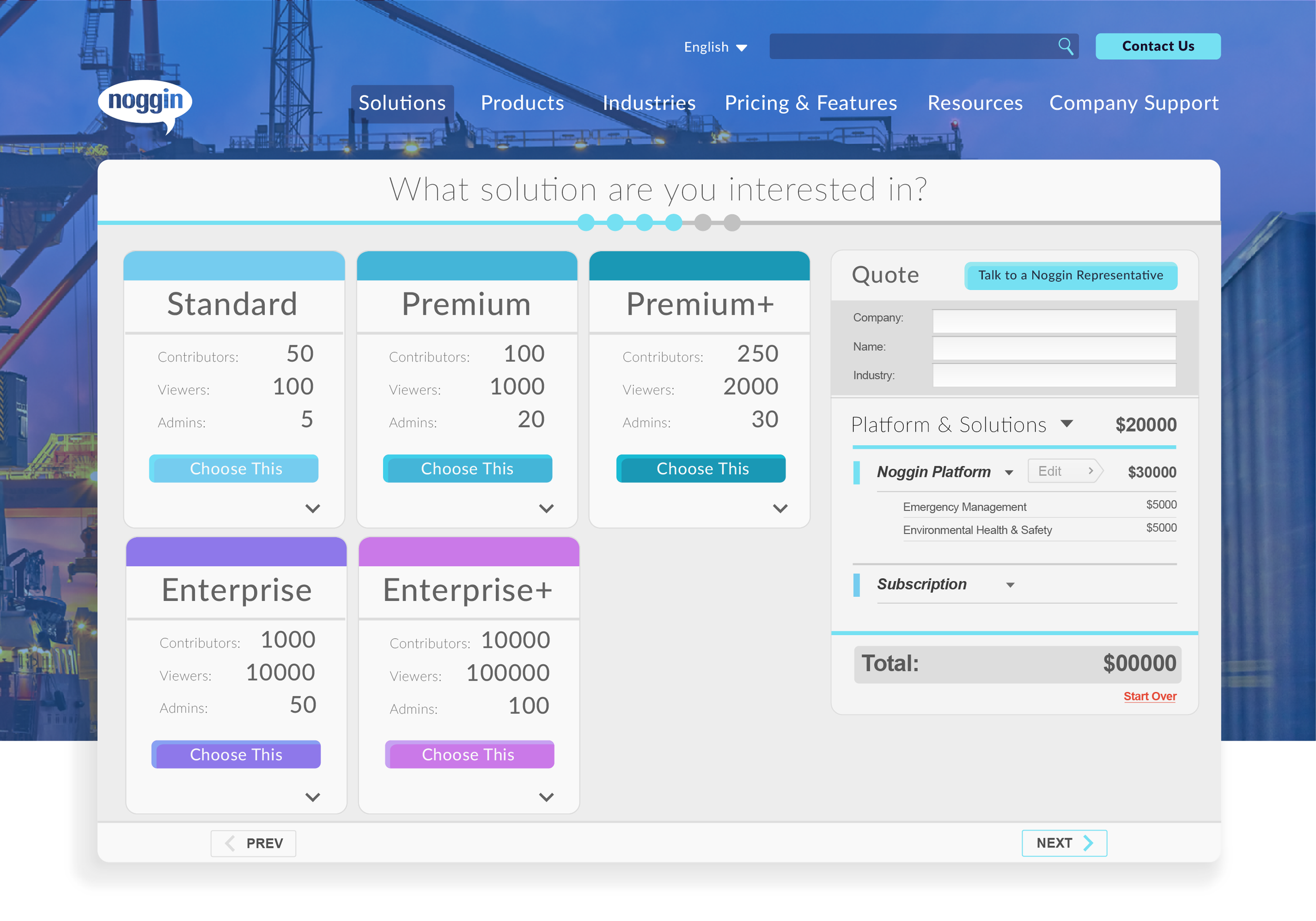
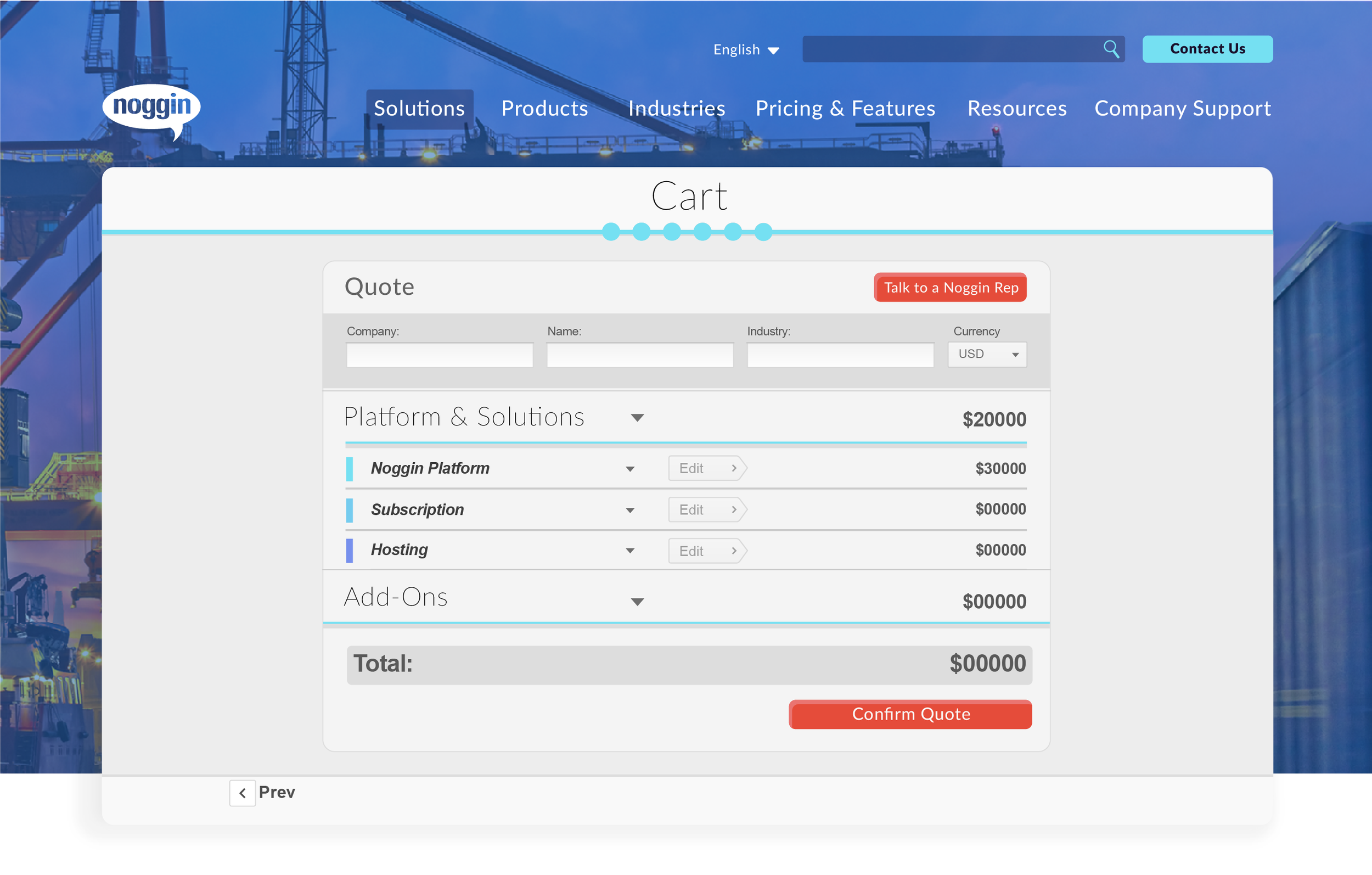
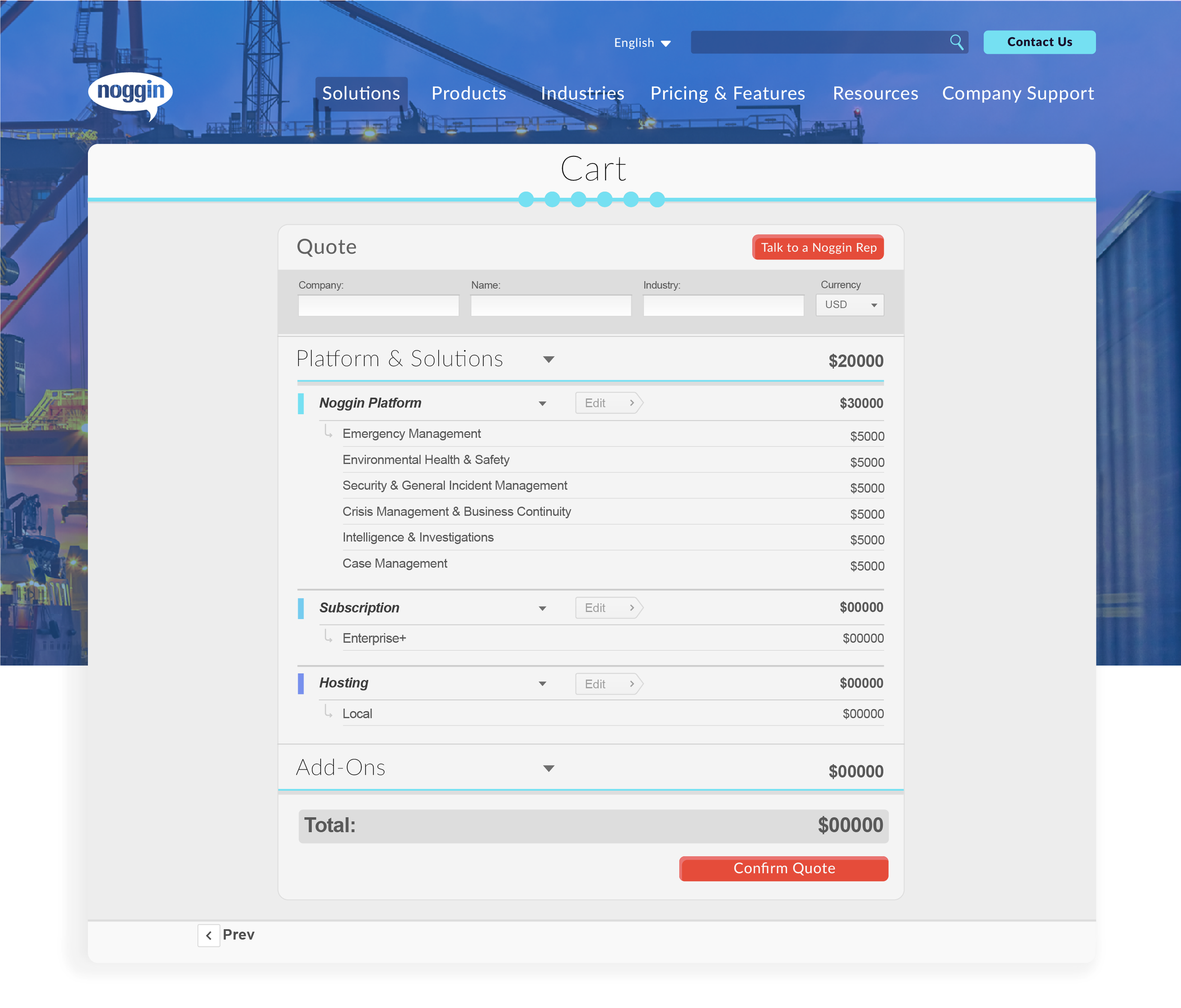
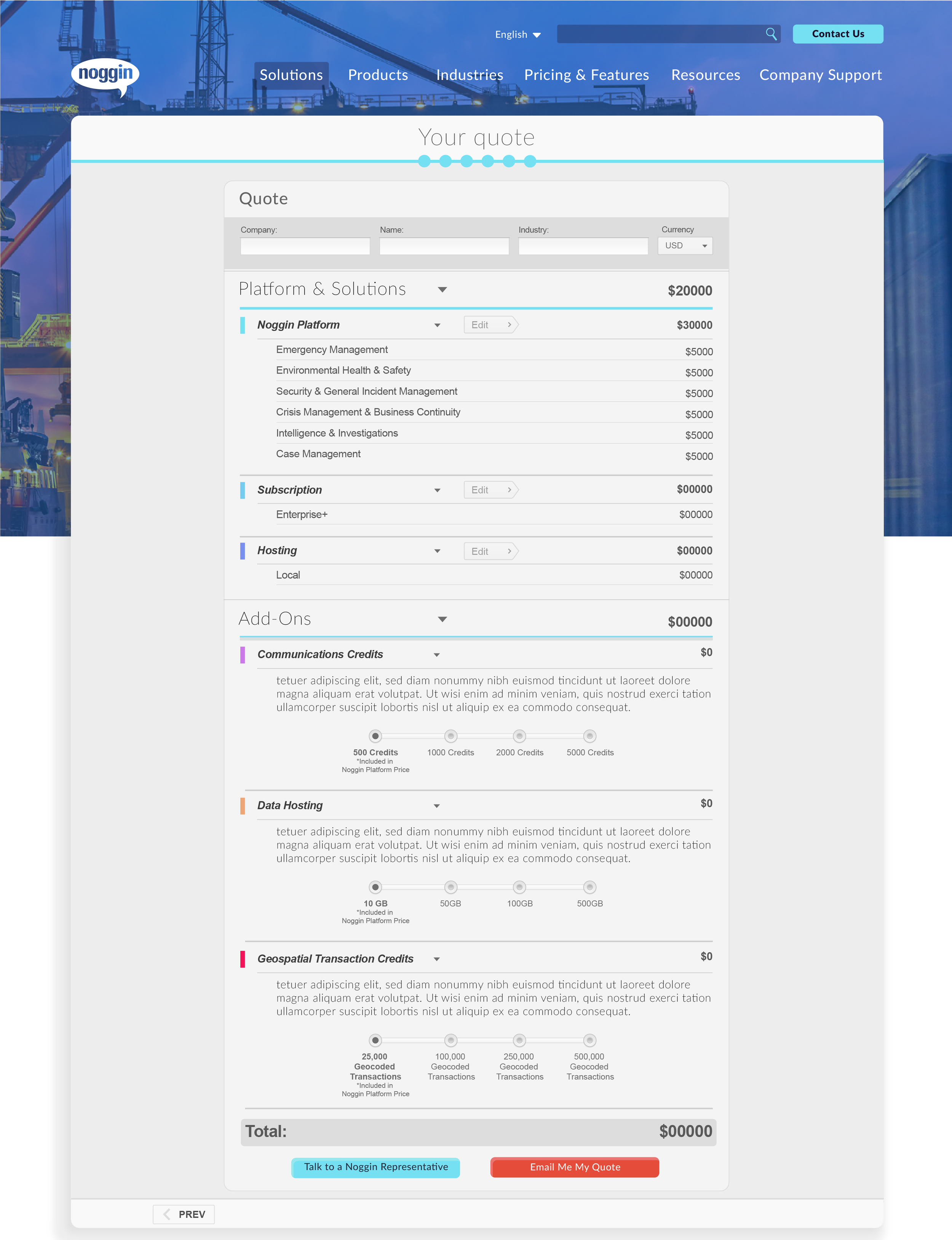
One of the first ways to do this was to create a Pricing Wizard on the site to help future clients identify ballpark estimates that they could later pitch to their CFOs. While this would only start the conversation, it went a long way to serve Noggin’s no-nonsense approach to business. The CEO often cited an old Australian tv ad where the catchphrase was “Where’s the price? Tell us the price, son!” and wanted to ensure his company, even at enterprise level, could give future clients direct estimates that were not obfuscated behind hours of phone sales and back-and-forth with reps.
The objective was simple: design something that the marketing team could use alongside the client, both as a selling tool but also as a way for the client to have something to look at before calling the marketing team up.
I was given a long workflow diagram of the entire onboarding process, and I spent a month developing concepts of the pricing Wizard and went through several revisions until the marketing and developer teams were pleased with the outcome.
This project really highlighted my ability to work with cross-functional teams that sometimes weren’t sure of what they wanted until they saw it. I learned a quick agile process during the development cycle, all with a focused objective to get the marketing and sales teams something they could use that would cut down their workload by 25% while increasing our client conversion by 10%.
Even on my first week I was working on Noggin OCA
While Requestor and Noggin 2.0 was in development, I still had to do work on Noggin 1.0!
One of the first projects I had was to improve the login screens for several clients that reminded users to update their systems when new rollouts occured. These updates had to be manually done, as each bespoke client had specific updates that needed to be adrressed in new features added.
I was instructed to find ways to add this to the login screen, as well as cleanup the login screens in a way that the clients preferred.
It was a short and simple project, but really showcased just how hands-on my work at Noggin was going to be. Noggin’s entire brand is on direct and earnest development and customer-forward work. Having seen that first hand it really gave me a taste for fast-paced interdepartmental team building that i had not experienced prior to this role.